Computer Education Certificate Verification
How to verify computer certificate online- original or fake?- Guidelines
To verify computer certificate online- original or fake, issued by Sarva Education, candidates can use the official verification system available on the Sarva Education website. Verification can be done using the unique Roll Number or QR Code printed on the certificate.
Computer Certificate Verification
Enter Your Roll Number Here
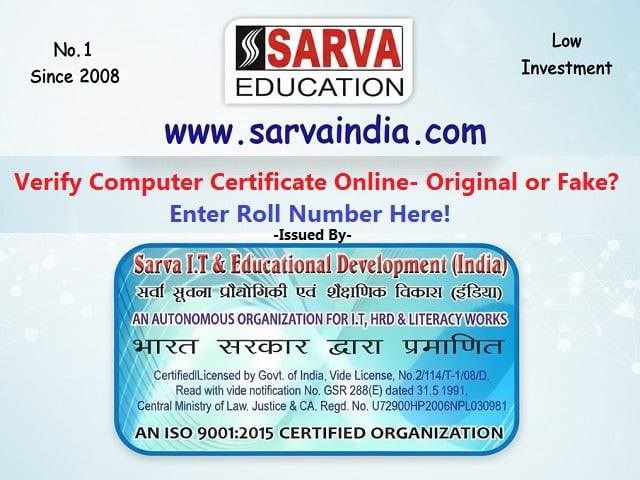
Complete Step by Step process to Verify Computer Certificate Online:
- Visit Official Website: Go to the official Sarva Education website (sarvaindia.com) and open the “Certificate Verification” section.
- Scan QR Code (if available): Use a mobile scanner to scan the QR code printed on the certificate. It should redirect you to the official Sarva verification page.
- Enter Required Details: Fill in the Roll Number in the verification portal.
- Verify Student Information: Check whether the displayed details (Student Name, Course Name, Duration, centre name) match the certificate.
Note: If your roll number or certificate cannot be verified online, you may send a scanned copy of your certificate along with your roll number and mobile number via email. We will review it and send the verification report to your email within 7 days.
Warning Signs of a Fake Sarva Education Certificate:
- Missing or invalid Roll Number / Serial Registration ID
- QR code not working or not linked to Sarva’s official website
- Spelling mistakes, blurred printing, or poor-quality certificate design
- Absence of authorized signature, seal or proper format
- Roll Number or Certificate cannot be verified on the official Sarva website
- Fake websites pretending to be Sarva (always check domain and HTTPS security)
Important Note:
Sarva Education (SITED) provides online verification for transparency and candidates are strongly advised to verify certificates only through the official website within one year after courses completion and getting certificate.